


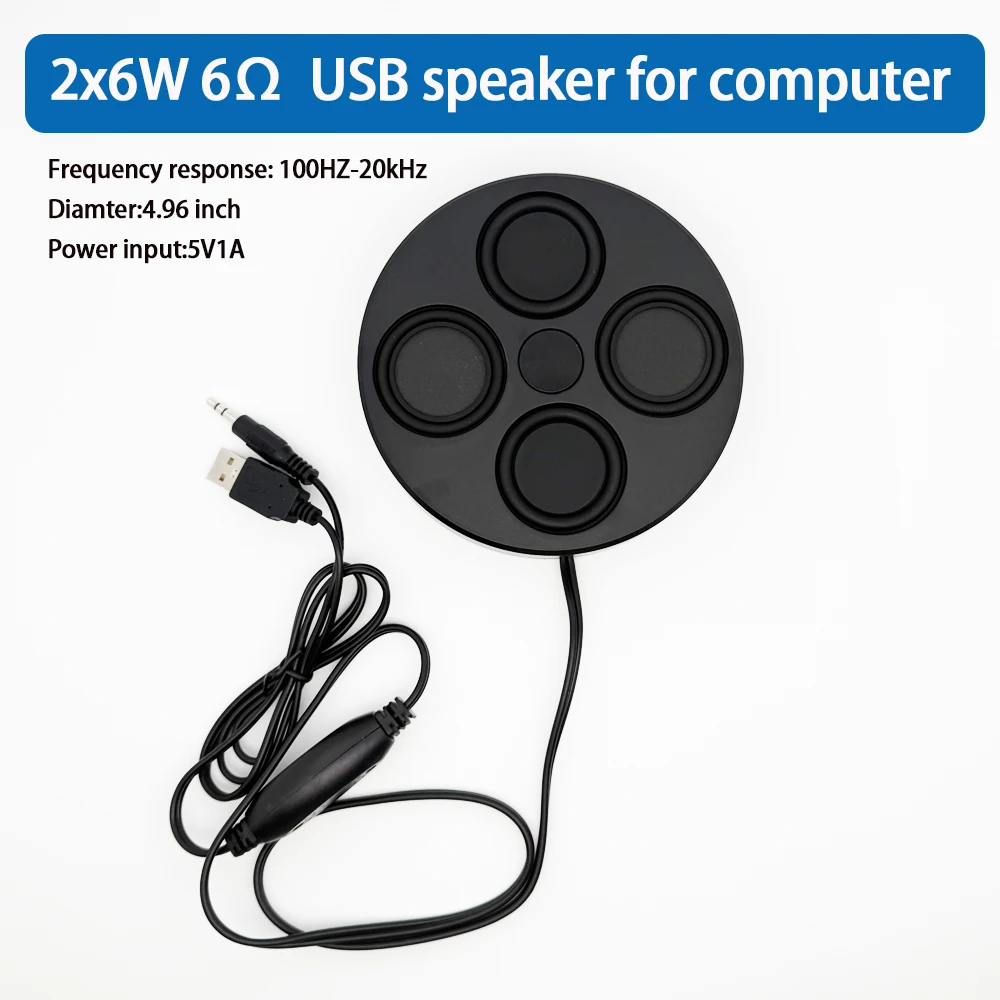
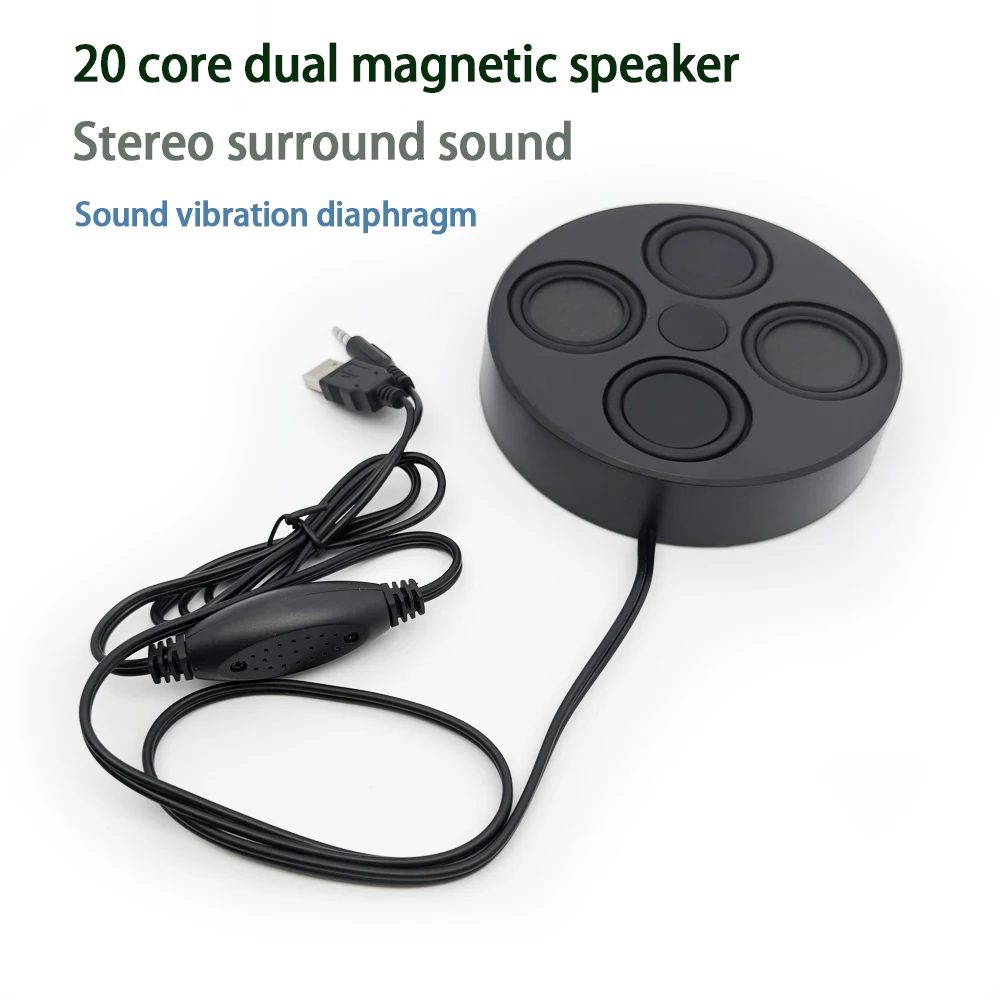
USB speakers for PC 4.9“ ultrathin 26mm Magnetic Stereo surround sound 6Ohm 6Wx2 for laptop
-
Estimated Delivery:Oct 16 - Oct 20
-
Free Shipping & Returns: On all orders over $75

USB speakers for PC 4.9“ ultrathin 26mm Magnetic Stereo surround sound 6Ohm 6Wx2 for laptop
SPECIFICATIONS
Audio Crossover: Full-Range
Battery: No
Brand Name: ETAxopowo
Cabinet Material: Plastic
Category: Speakers
Channels: 2 (2.0)
Communication: Audio Line
Display screen: No
High-concerned chemical: None
Inbox adaptor: Yes
Input Power(W): <25 W
Input/Output: USB
Intelligent Personal Assistant: None
Number of Loudspeaker Enclosure: 2
Number of devices connectable simultaneously: 1
Origin: Mainland China
Output Voltage: 12W
Power Source: USB,USB
Remote Control: No
Sound Mode: Stereo Sound Mode
Speaker Type: Portable
Support APP: No
Support Apt-x: No
Use: Home
Voice Control: No
Voltage range: USB (5-20V DC)
Waterproof: No
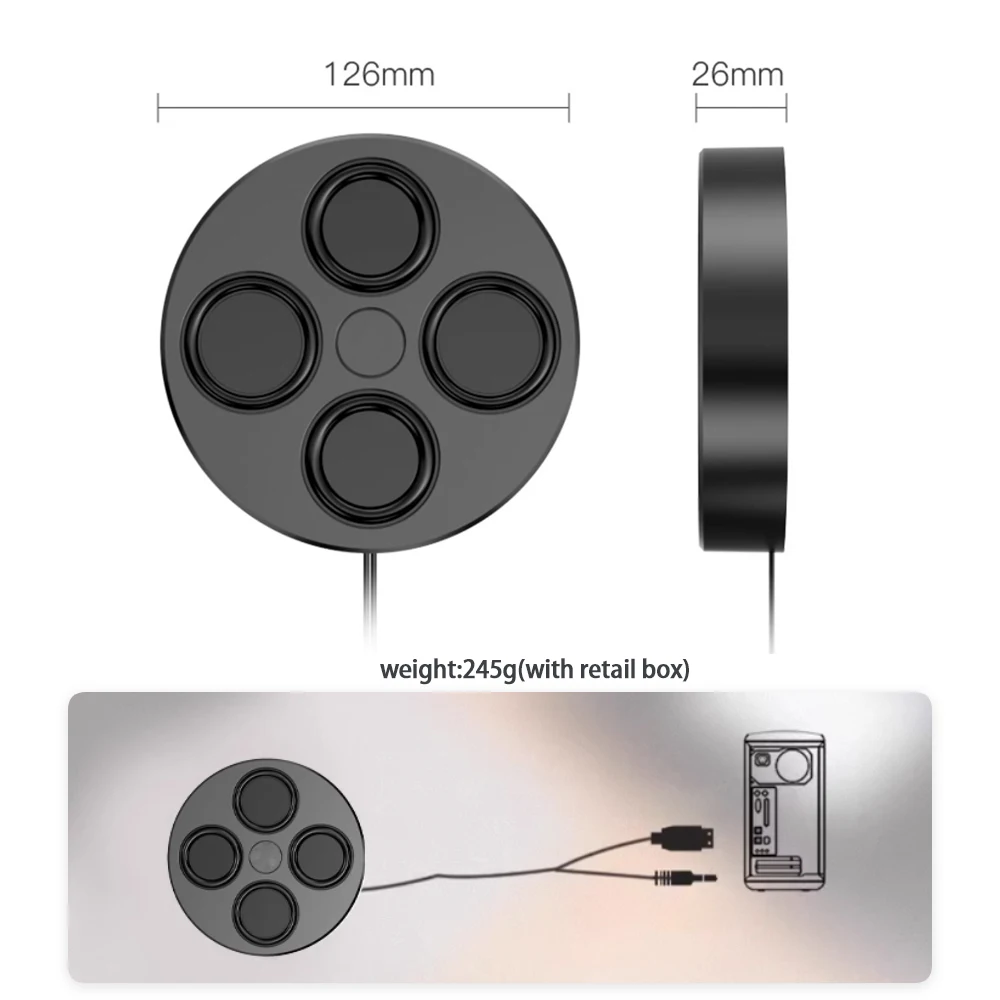
Weight[g]: 245
Width[mm]: 126
USING METHOD
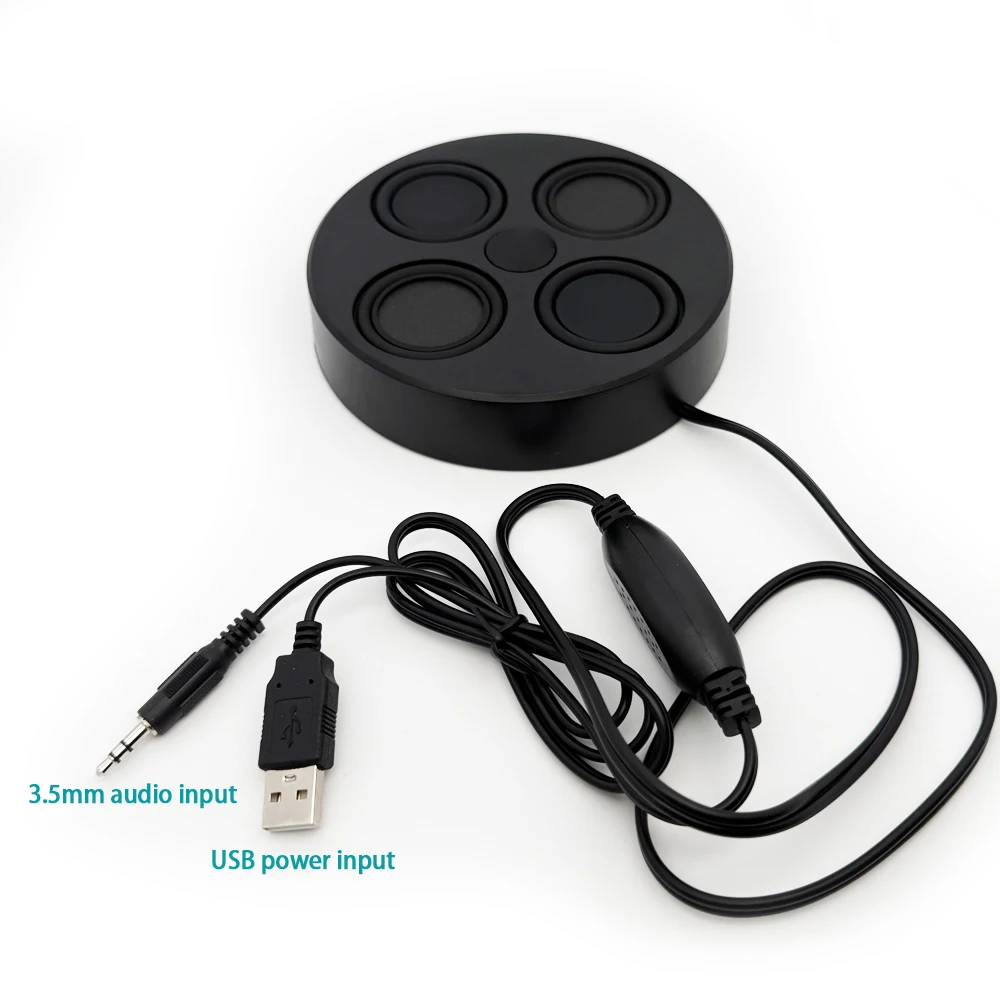
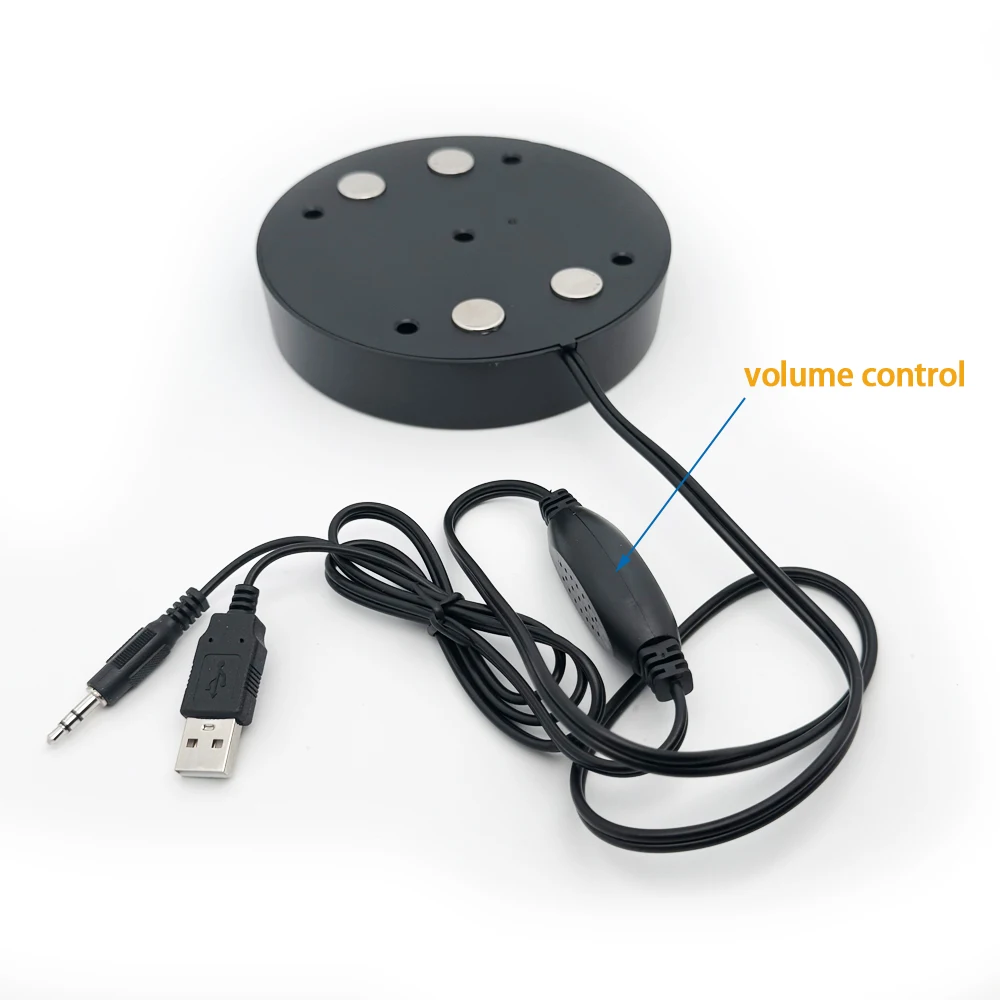
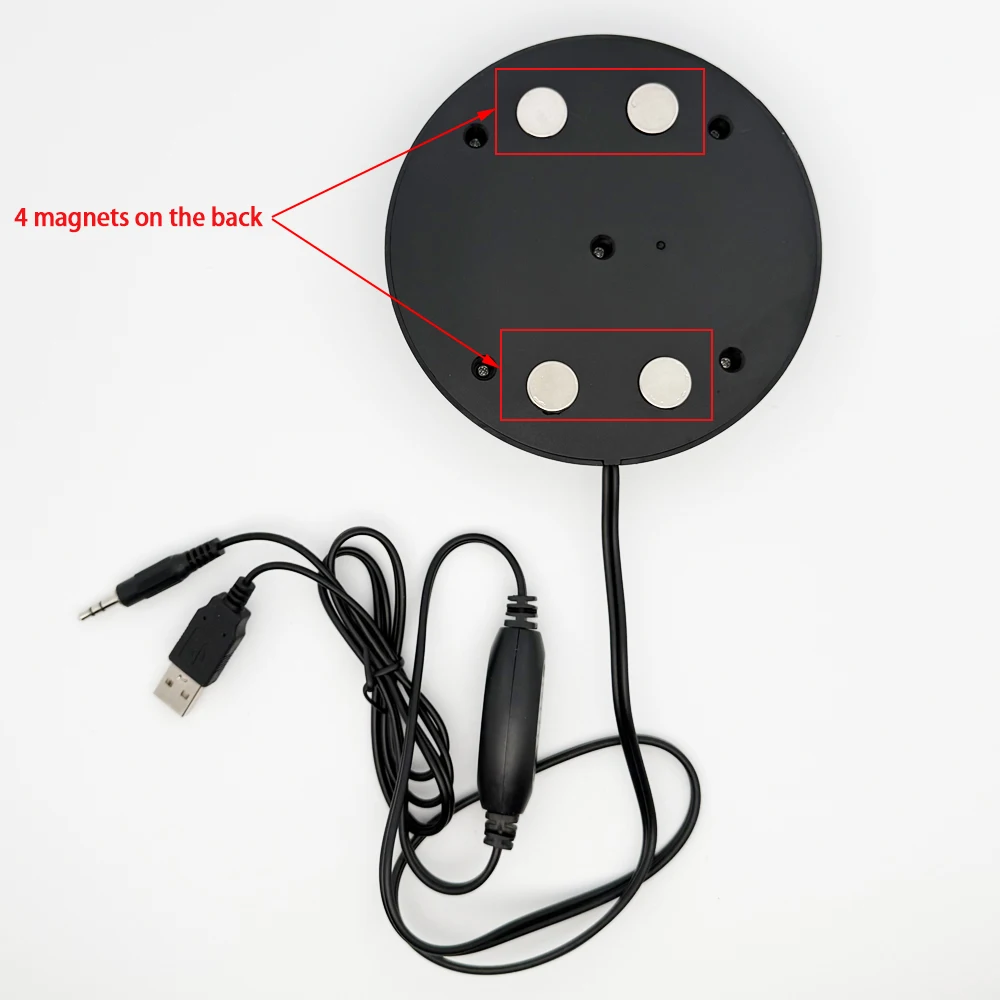
1.USB power supply connector accesscomputer USB interface3.5mm audio interface to access the computer audio output socket.
2.USB power supply connector access USB power supply interface3.5mm audio interface to
access the computer audio output socket Or MP3, MP4 or mobile phone audio output socket.
Notes For The Desktop Computer:
1.Do not set the computer mute,checkifthe computerinstalled audiodriver,fnot,pleasedownload andinstallagain.
2. Insert the audio head or USB head into the socket behind the mainframe,not the frontsocket(because when install thesystem,the socket behind the mainframe is acquiescent to output voice.The front socketisnotbeenset,soithasnovoicewhen usethefrontsocket.)
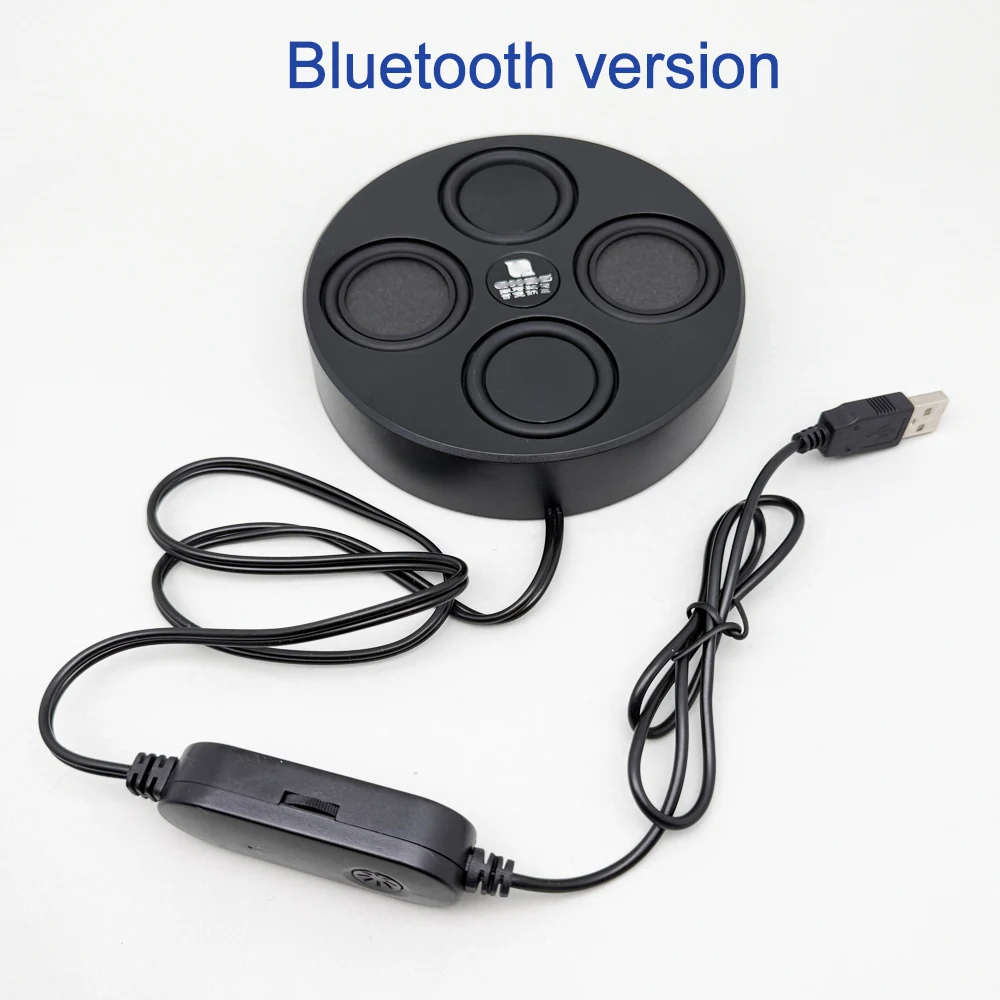
When mobile phone Bluetooth is used: a USB head is inserted into the computer host USB
interfaceorthemobilephonechargerforpower supply, and then the mobile phone searches for
Bluetooth.The name of Bluetooth is "Bluetooth Speaker". Computer use: a USB head into the
computer behind the host USB interface, a 3.5 round audio head connected to the green
headphonejack. (Be sure to plug in the interface at the back of the host, as the audio driver is oftennotset up properly at the front of the host.)
Note: When using the computer and Bluetooth at the same time, you should first disconnect the phone's Bluetooth before using the computer!
Shipping cost is based on weight. Just add products to your cart and use the Shipping Calculator to see the shipping price.
We want you to be 100% satisfied with your purchase. Items can be returned or exchanged within 30 days of delivery.
Discover more in our FAQ
How long does it take to process an order?
All the details you love about the original—with a fresh flared block heel and modern square toe. Expertly crafted using soft Nappa leather, this essential style molds and moves with you to keep you comfortably on your feet all day (and night). This boot uses leather sourced from a Leather Working Group-approved trader. The Leather Working Group (LWG) Audit Standards provide transparency and accountability within the leather supply chain—covering energy and water usage.
Do you ship internationally?
All the details you love about the original—with a fresh flared block heel and modern square toe. Expertly crafted using soft Nappa leather, this essential style molds and moves with you to keep you comfortably on your feet all day (and night). This boot uses leather sourced from a Leather Working Group-approved trader. The Leather Working Group (LWG) Audit Standards provide transparency and accountability within the leather supply chain—covering energy and water usage.
What is your return policy?
All the details you love about the original—with a fresh flared block heel and modern square toe. Expertly crafted using soft Nappa leather, this essential style molds and moves with you to keep you comfortably on your feet all day (and night). This boot uses leather sourced from a Leather Working Group-approved trader. The Leather Working Group (LWG) Audit Standards provide transparency and accountability within the leather supply chain—covering energy and water usage.
What are your sizing options?
All the details you love about the original—with a fresh flared block heel and modern square toe. Expertly crafted using soft Nappa leather, this essential style molds and moves with you to keep you comfortably on your feet all day (and night). This boot uses leather sourced from a Leather Working Group-approved trader. The Leather Working Group (LWG) Audit Standards provide transparency and accountability within the leather supply chain—covering energy and water usage.